Skip to content
Log in

Playbooks

How to set up and run specific event types in Gatsby. Each playbook covers which tools to use, how to connect them, and what we recommend.

Five steps cover every event you’ll ever run in Gatsby.

This walkthrough builds a real one from scratch. By the end, you’ll know how guest lists, campaigns, and registration connect.

View Guide
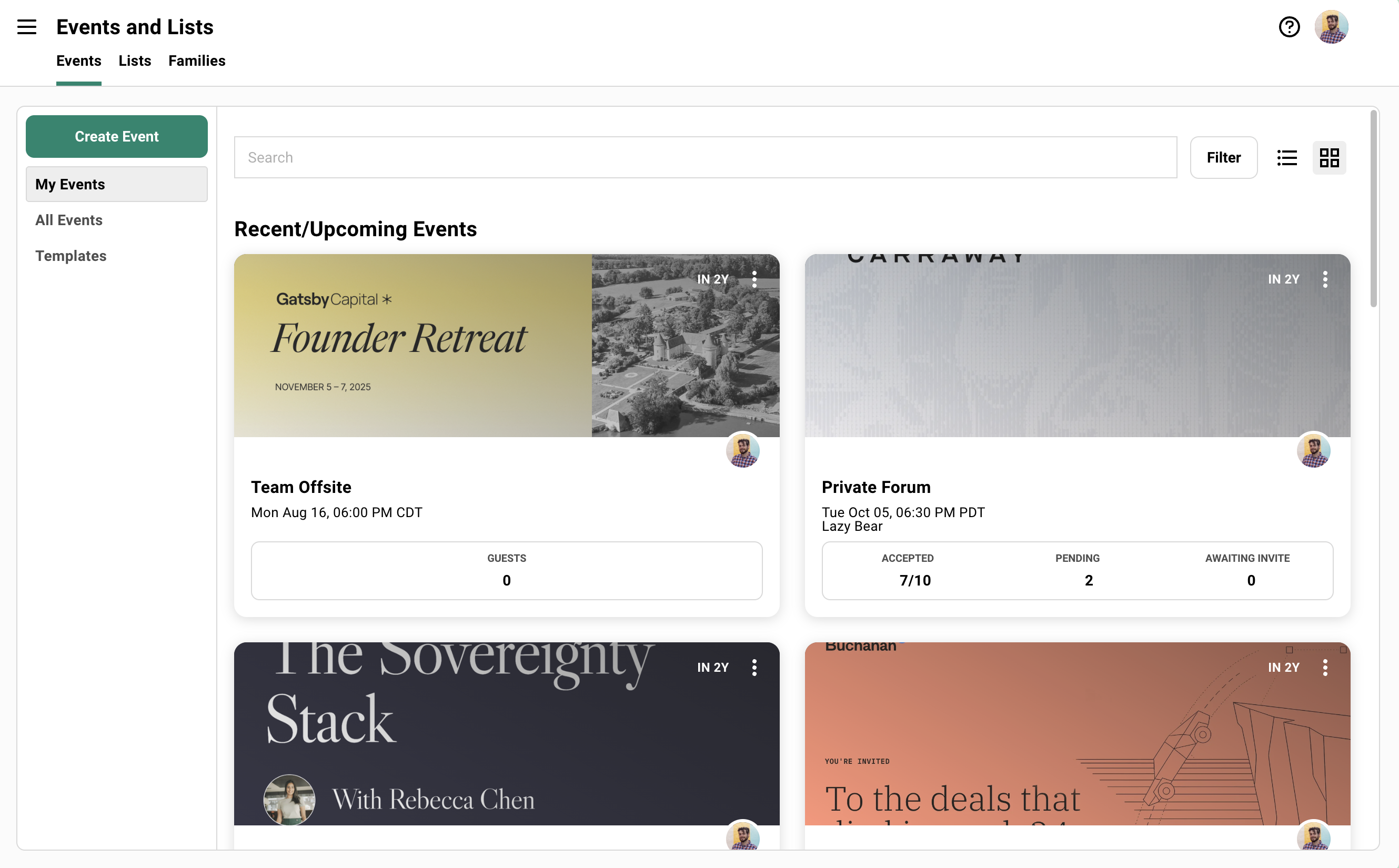
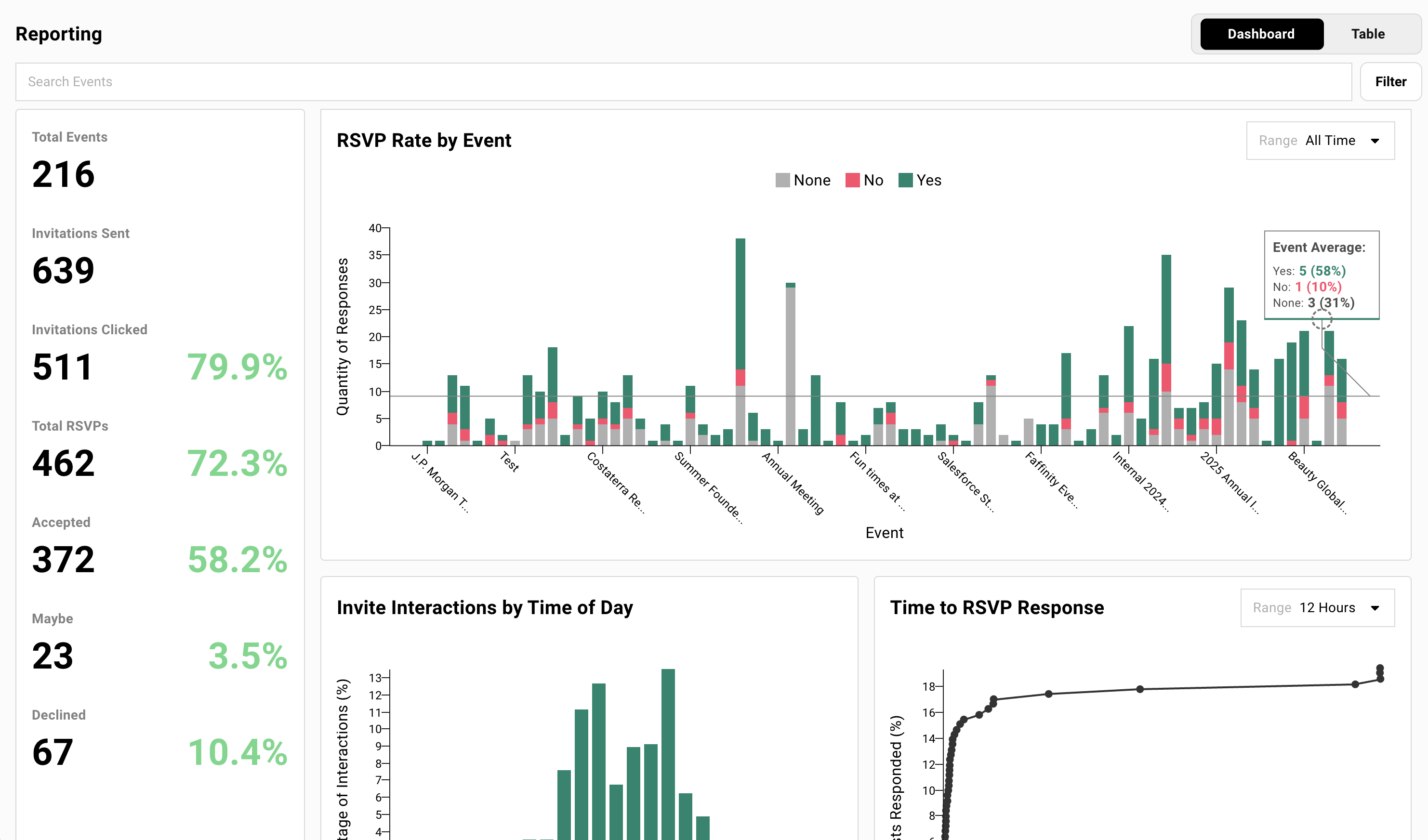
Screenshot from Gatsby showing the Events dashboard, different events listed.
Registration Setups

Control who registers and how

Different events need different registration flows. These guides walk through specific setups.

This guide sets up one registration flow where guests pick their sessions.

Each session gets its own guest list, capacity limits, seating chart, and calendar invite. Guests register once. You get a clean list for every room.

View Guide
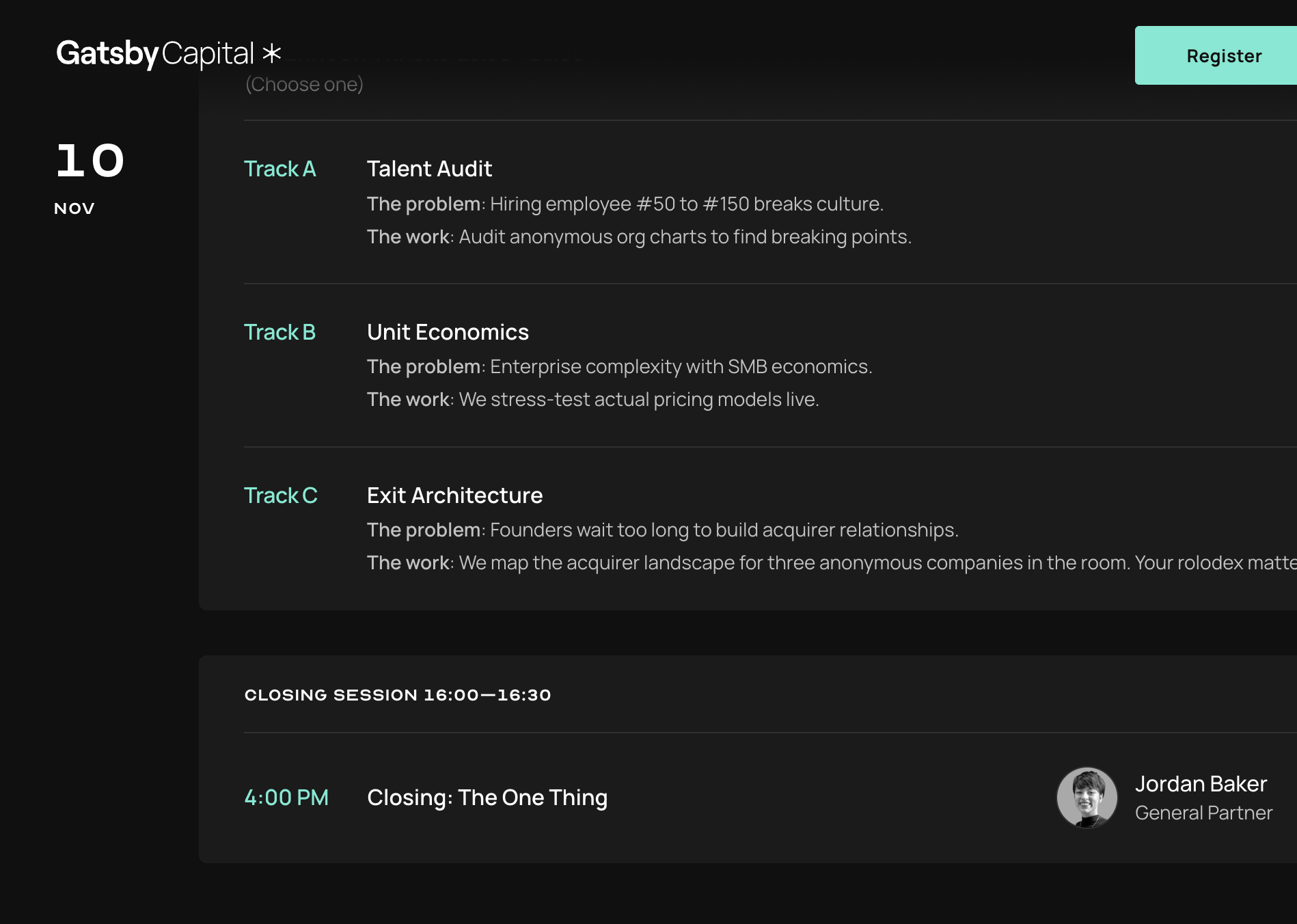
Screenshot from Gatsby showing the Events dashboard, different events listed.

“Private event” means different things depending on who you ask.

This guide covers three levels of privacy and how to combine them for everything from a quiet dinner to a vetted investor meeting.

View Guide
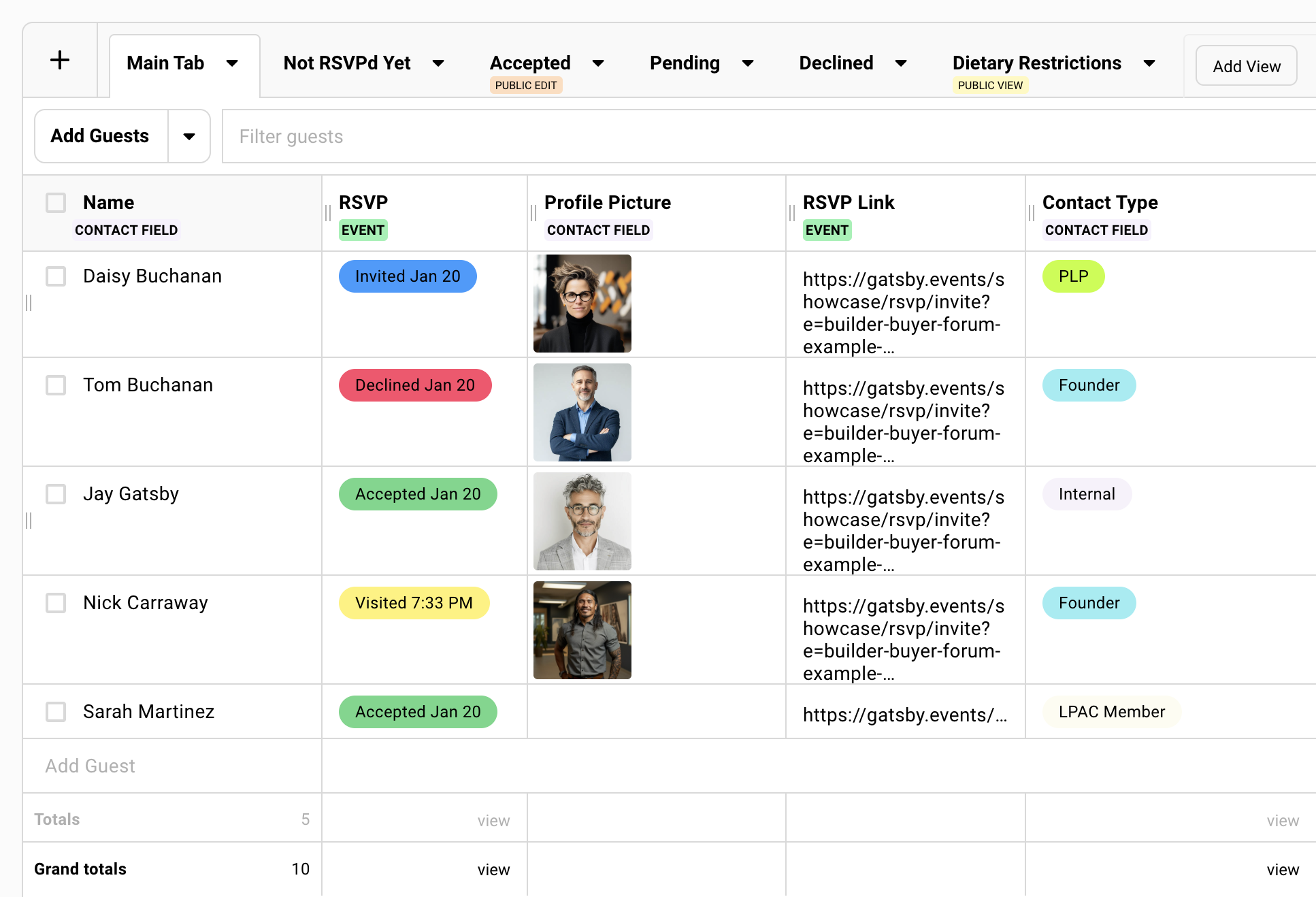
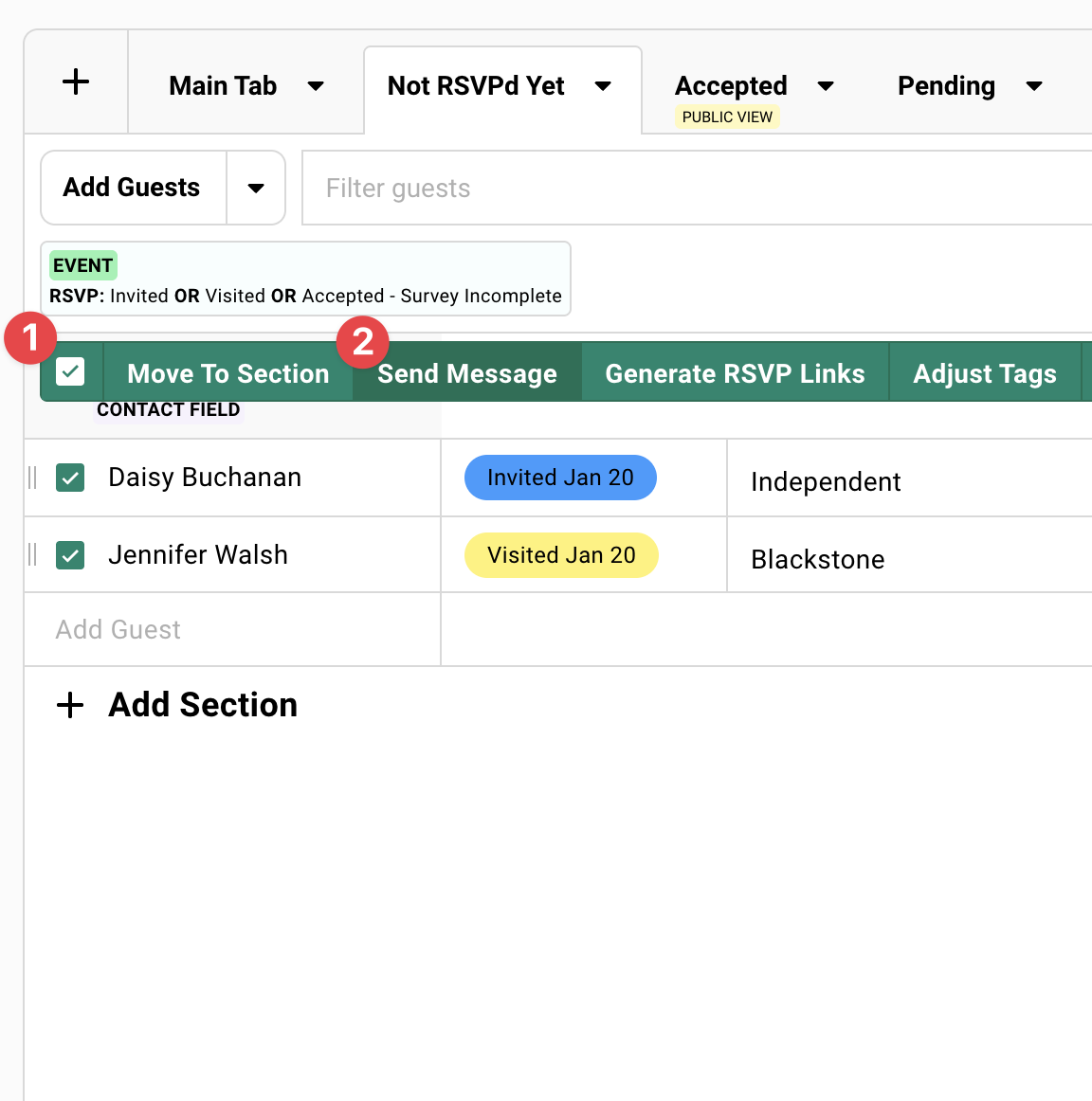
The screenshot from Gatsby shows a private events guest list with examples of different guests in their unique RSVP link.

Not sure where to start?

30 minutes. We’ll ask about your events and show you how similar teams set them up.
Gatsby Events logo The event workspace for relationship-driven teams.
SOC 2 · Type II

Get Support

For customers

Search this site first. Most answers are right here.


Still stuck? Email us at:

Email copied to clipboard

Office Hours

Every Tuesday at 2pm EST. Drop in with questions. No agenda.

Join Office Hours

For guests

Having trouble with your invitation or registration? Email us and include the event name. We'll sort it out.

Email copied to clipboard

Who answers

Support is handled by the same team that builds Gatsby. Not a help desk. Not a queue. Real people who know the product.